
Be the Local Expert: How to Brand Your Rent Reports to Win Clients and Build Credibility
Hand a prospect a rent report with your logo, name, and contact details on it and you look like the local authority. Hand them a generic screenshot and you look like everyone else. Branded reports are a small change that does real work for credibility.
Here's how to set them up and put them to use.
What a branded report looks like
Your logo and details sit on every PRO report you generate — alongside the estimate, the benchmarks, the comps, and the search radius:
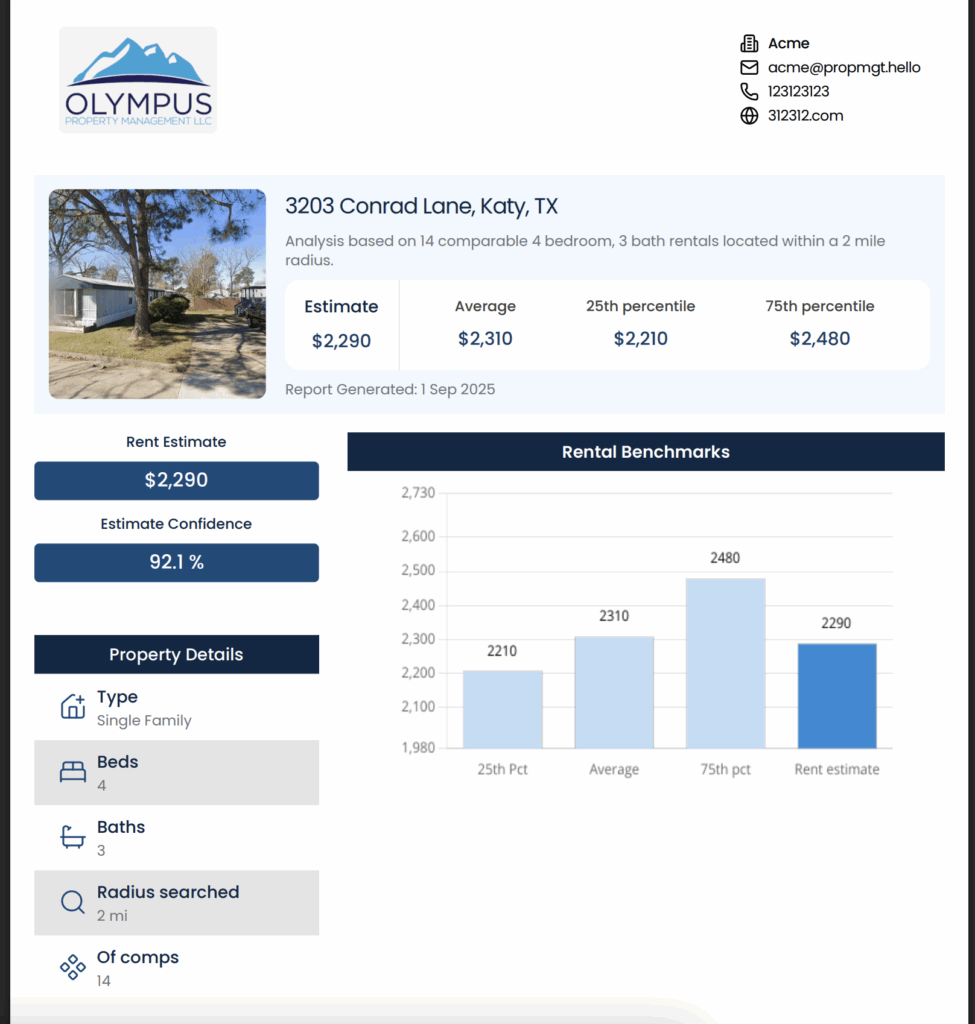
It reads as "I do this professionally," which is exactly the impression you want with a client or owner.
Set up your branding once
Branding lives on any paid plan (Pro for individuals, Scale for teams). In the dashboard, open Report Branding and add your company name, email, phone, website, and logo:
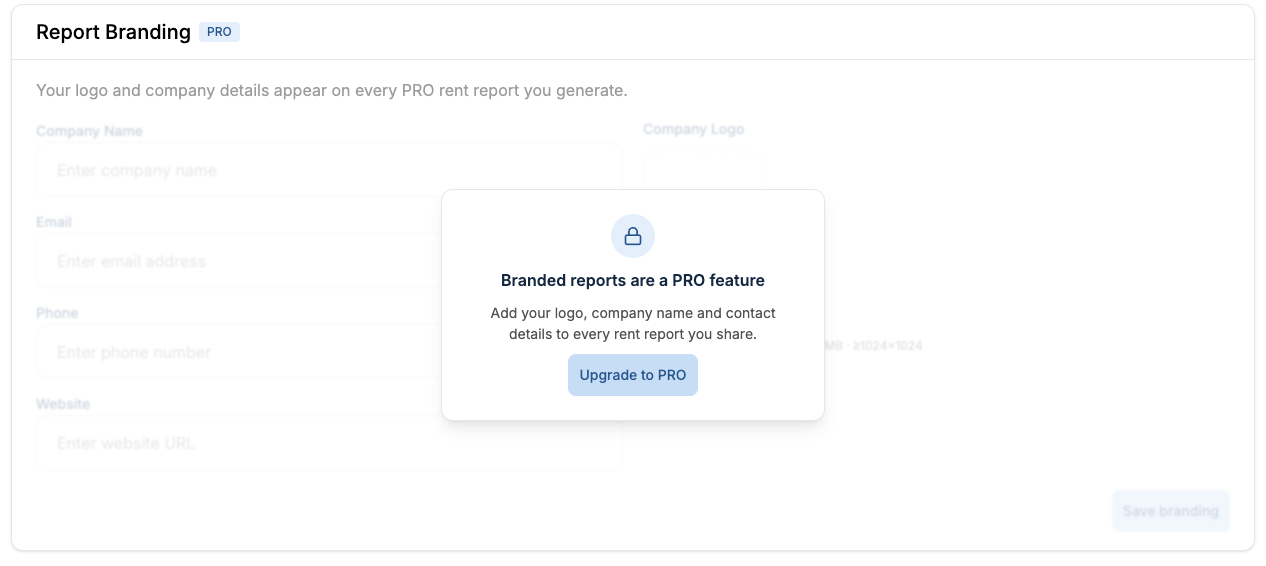
Save it once and it applies to every report from then on. See pricing for plan details.
Apply it to any estimate
When you run a rent estimate by address or by ZIP, download the PRO report and your branding is already attached — logo and contact info on the PDF, ready to send.
Why it matters
Branded reports aren't about looks — they're about trust. A polished, on-brand report tells clients and partners you take your data and your business seriously. It's one of the cheapest ways to reinforce your brand and stand out.
Turn branded reports into leads
Take it a step further with lead generation. Share a "Free Rent Analysis" button or link; prospects request a report, get your branded PDF, and their contact details land in your dashboard:
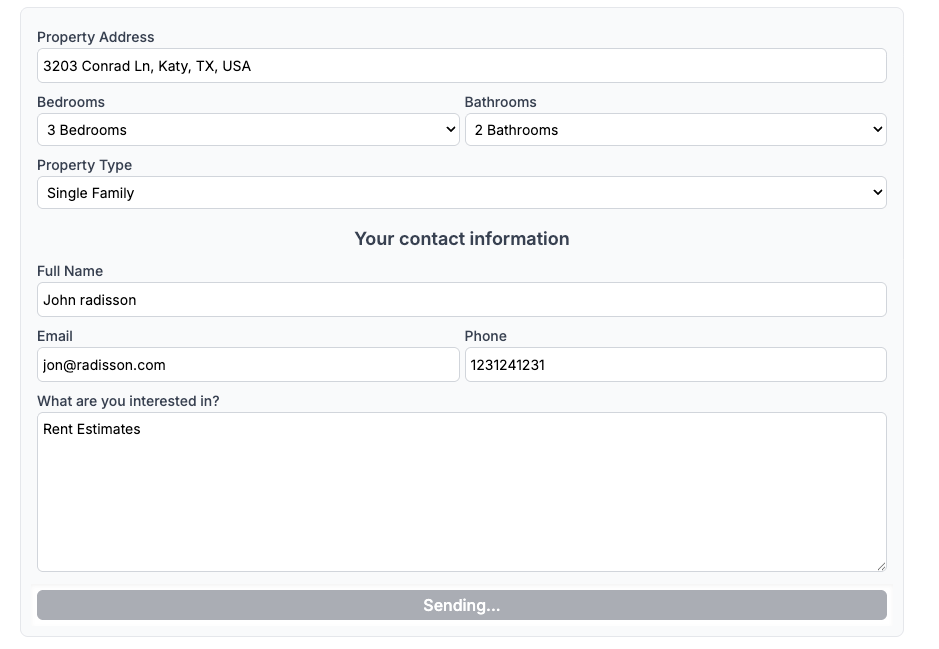
Brand, impress, and grow pipeline in one move.
The takeaway
You bring the local insight; RentEst brings the data and the presentation. Set branding up once, attach it to every report, and turn each one into a credibility builder — and a lead.
Set up branded reports on RentEst.ai →
